
One kitchen for the whole family.
Plan the week’s meals together, save any recipe from a video or a note, and shop from one list everyone can tick.
Get MealUp for Android Free · private to your family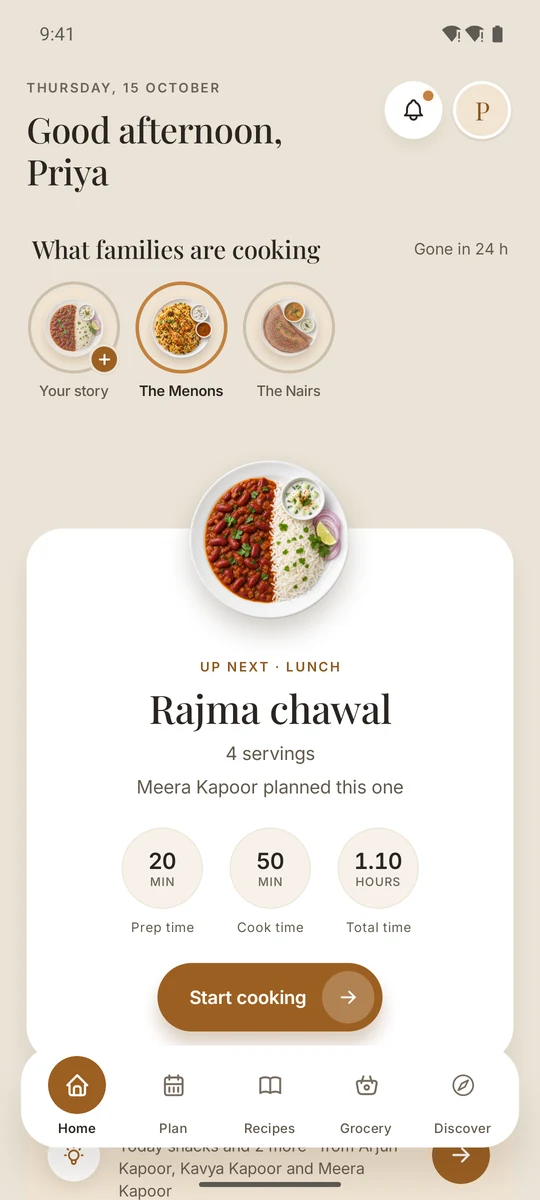
The everyday problem
Every family has the same three questions.
“What shall we cook today?”
Asked every day, by phone, by WhatsApp, at the door. MealUp gives the family one plan everyone can see.
Recipes in ten places
A video, a note from Amma, a screenshot. MealUp turns any of them into a clean recipe in your family’s library.
The same list, rewritten every week
In MealUp the list fills itself from what is planned, and a tick at the shop shows on everyone’s phone.
Plan the week together
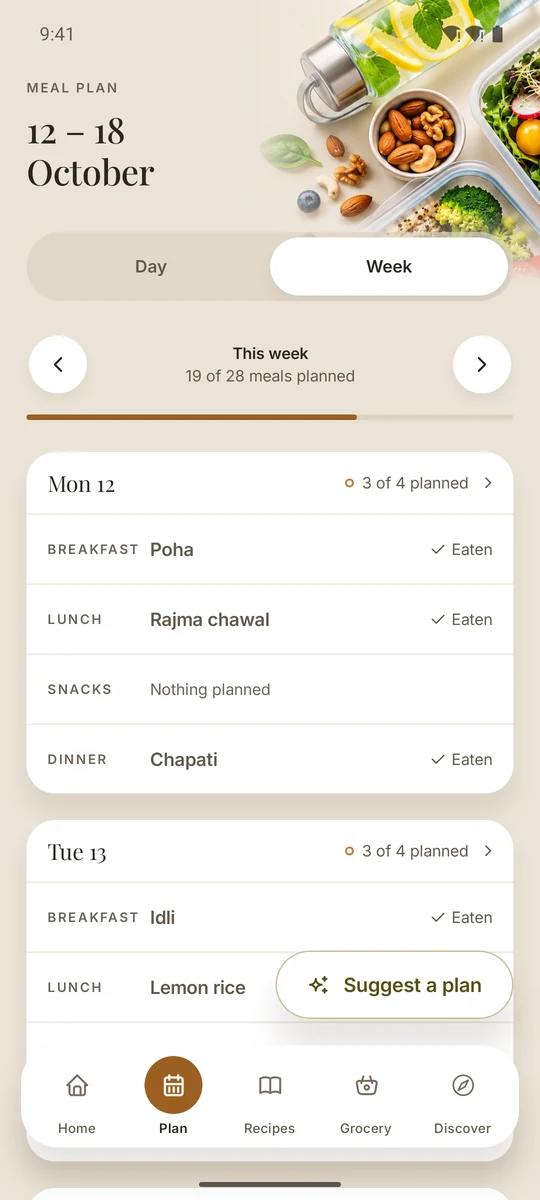
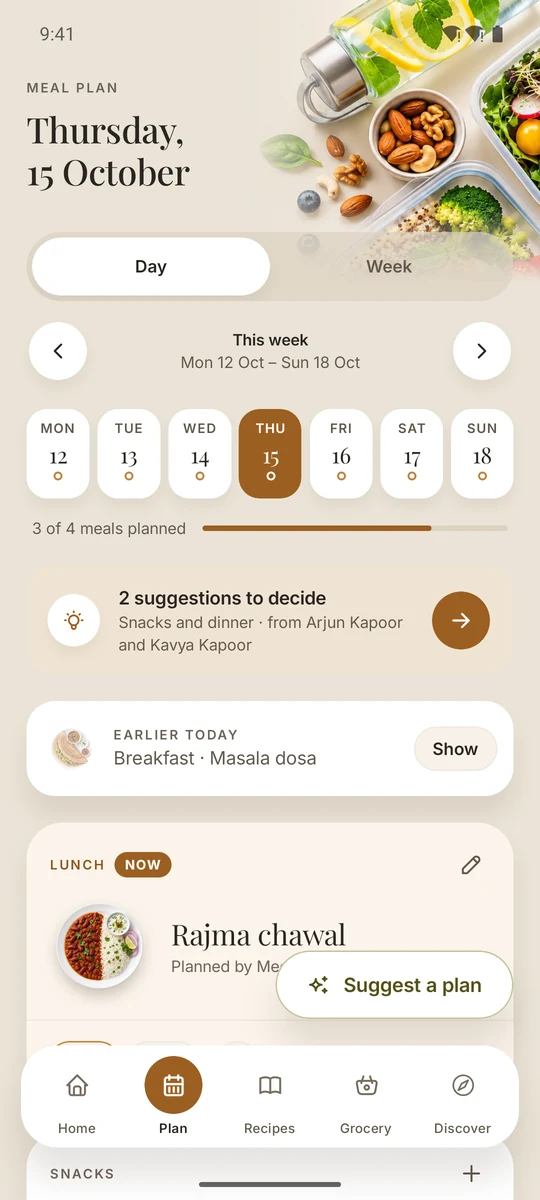
One plan the whole family can see.
Anyone can suggest a dish; the admin decides what’s cooked.
- Four meals a day: breakfast, lunch, snacks and dinner. Each holds a main dish and sides.
- Add a dish from your recipes, last week, favourites, or a list of common Indian dishes. A dish can be just a name.
- Cook once, eat twice: sambar tonight, again with dosa tomorrow.
- React with 😋 ❤️ 👍 🔥 🙌 on planned meals.
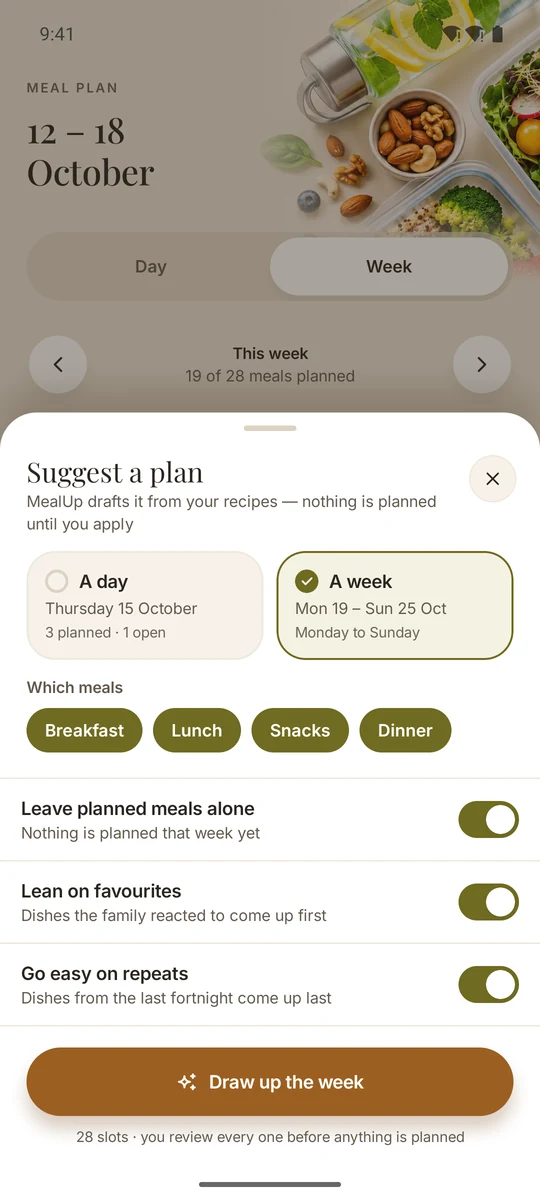
Suggest a plan
MealUp plans for you.
Once MealUp has learned your family, it drafts a day or a week from your own recipes and favourites. It keeps repeats three days apart, adds sides that go with each main, and tells you why each one came up.
Nothing is planned until you apply it.
Save any recipe
Your recipes, all in one place.
Paste a YouTube or Instagram link, share from the app, or scan Amma’s handwritten note. MealUp writes out the whole recipe.
- Anything MealUp wasn’t sure of is flagged with what the source said, so nothing wrong slips in.
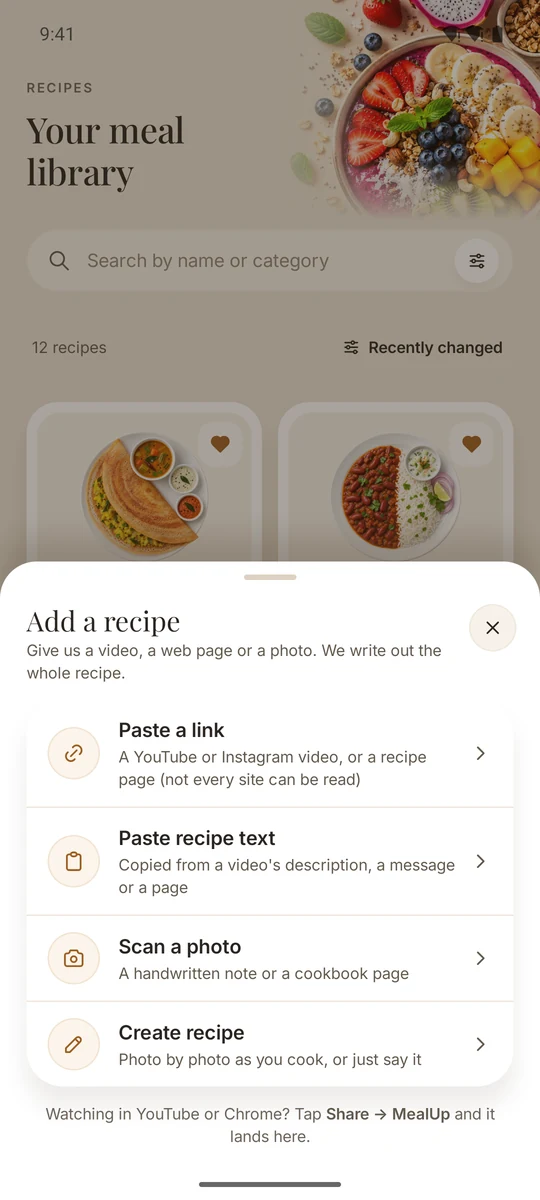
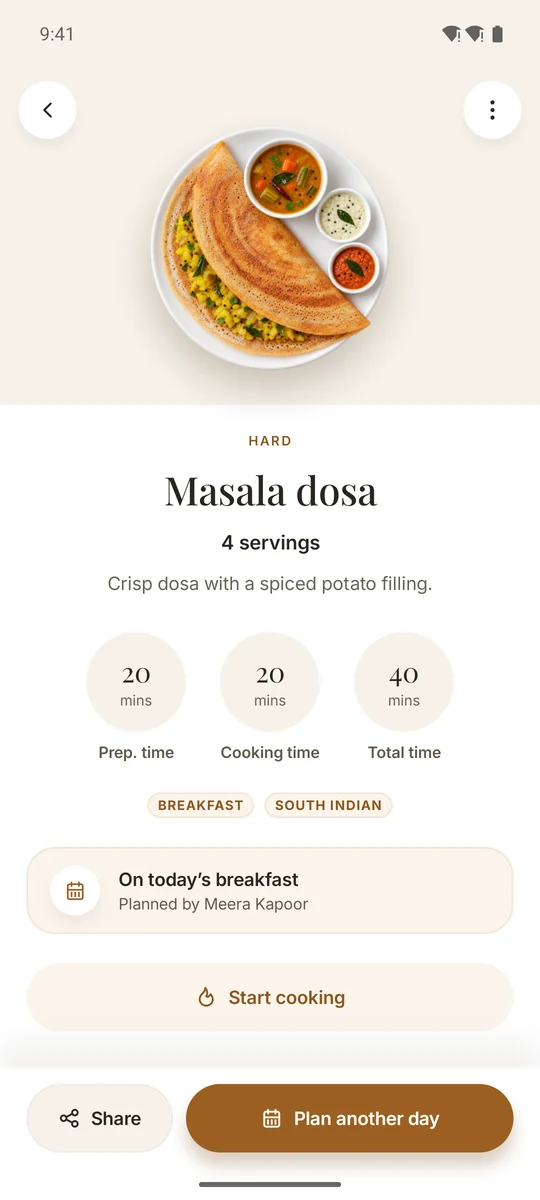
Save from YouTube or Instagram
Never leave the video.
- 1Watch a cooking videoYouTubeInstagram
Find a recipe you like, the way you always do.
- 2Tap Share → MealUp
No copying links, no switching apps.
- 3“Recipe saved”
MealUp writes out the ingredients and every step. Video recipes keep each step’s moment in the video.
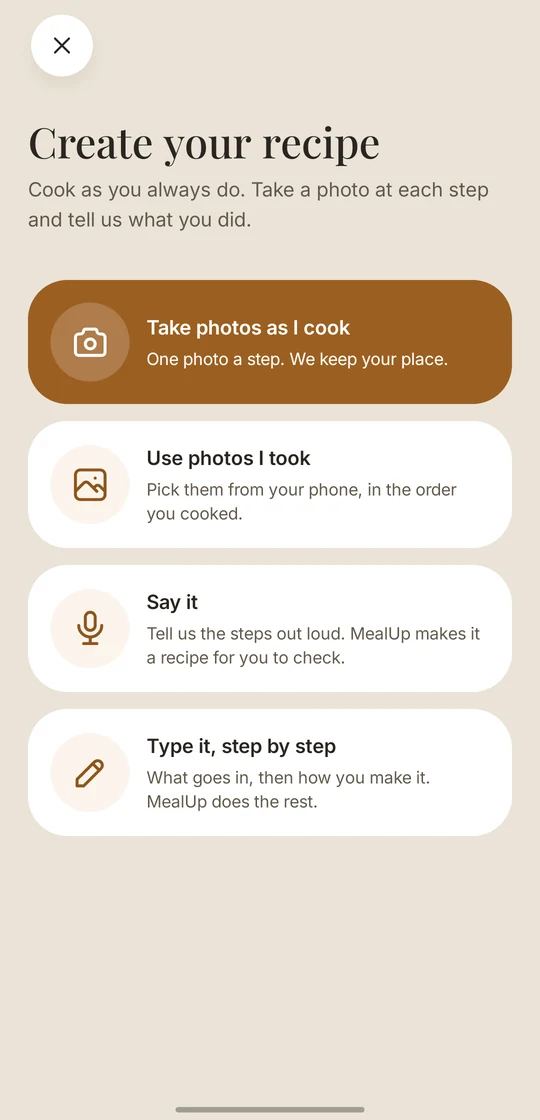
Cook and snap
Your recipe, from your own cooking.
Take a photo at each step. Say what you did. MealUp turns it into a recipe your family can cook again.
Or pick photos you already took, say it out loud, or type it step by step.
Grocery
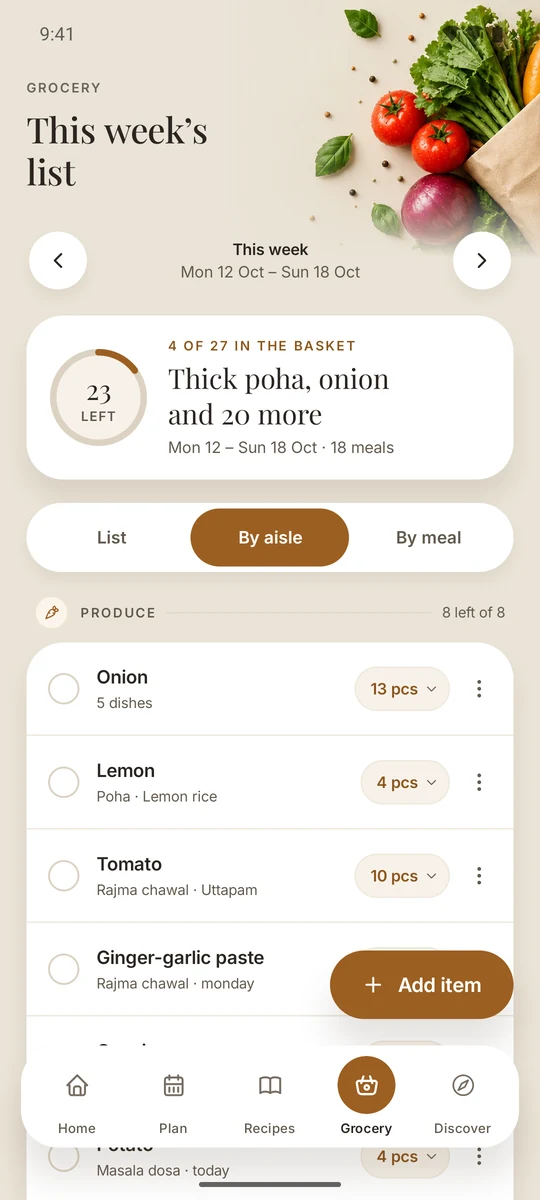
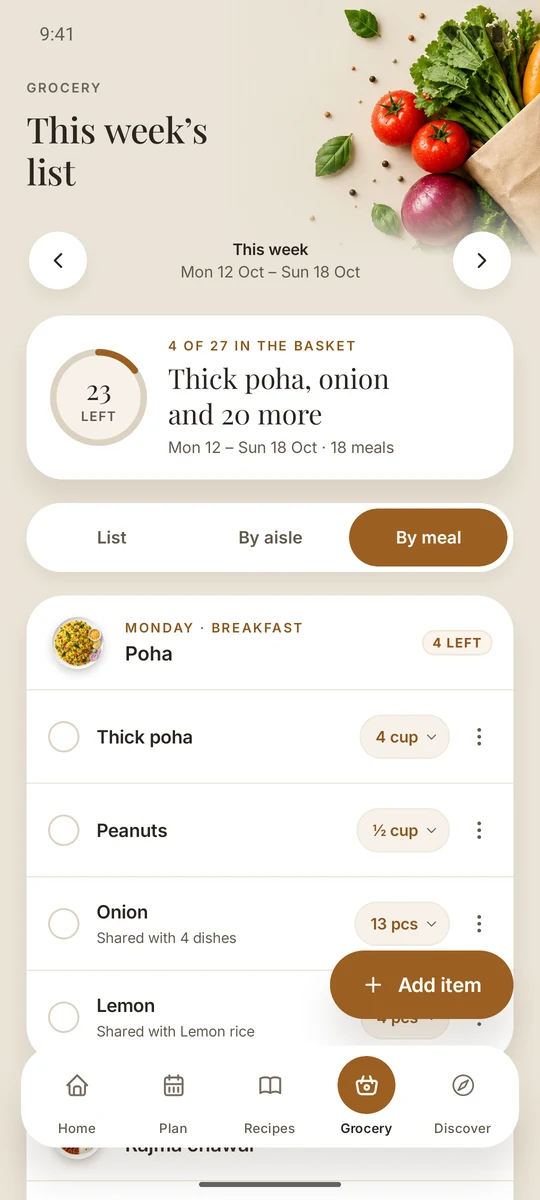
The grocery list writes itself.
Every dish you plan adds what it needs. Tick things off at the shop and everyone’s phone updates.
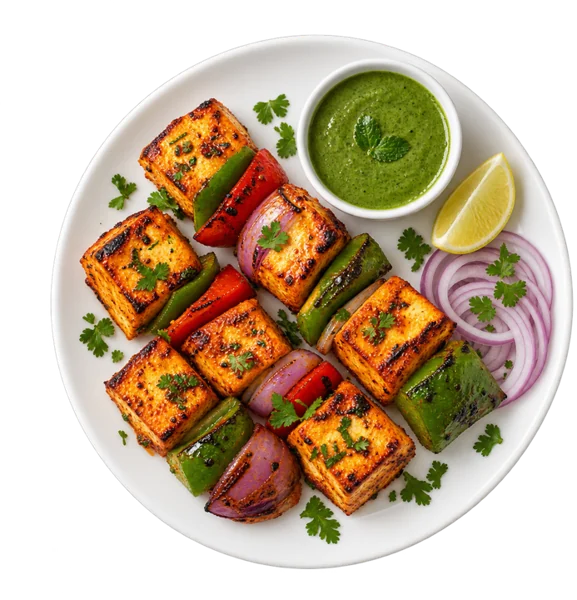
- See it as a plain list, by aisle, or by meal: “Paneer tikka is ready to cook.”
- “I always have this in” keeps staples off future lists.
- Add anything by hand, like milk or dish soap, for just this week.
Discover
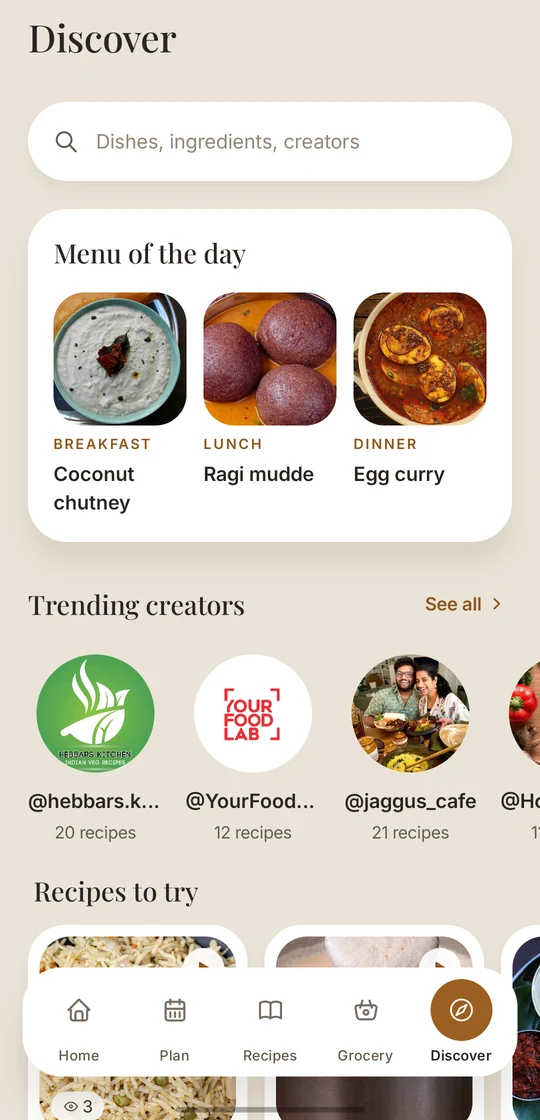
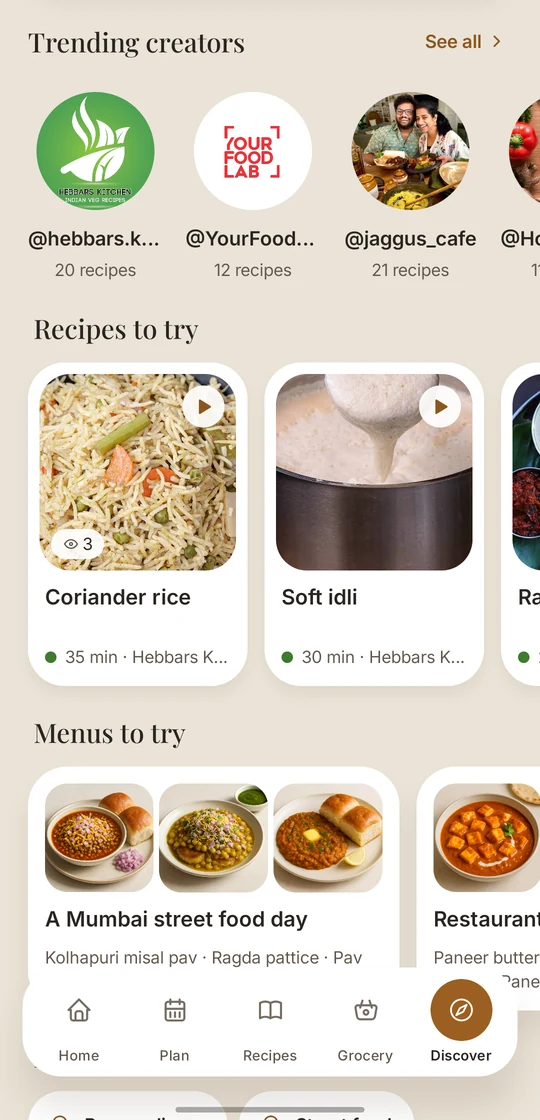
Discover what to cook.
A menu for today, popular dishes this week, and recipes from cooks you love. Add any recipe straight to your meal plan.
- Menu of the day: a breakfast, lunch and dinner idea.
- Menus to try, like “A Mumbai street food day”.
- Search dishes, ingredients and creators, and filter by diet, time and cuisine.
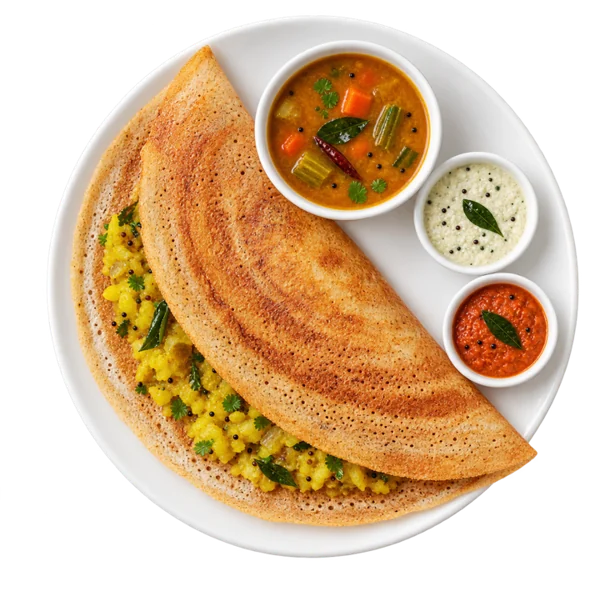
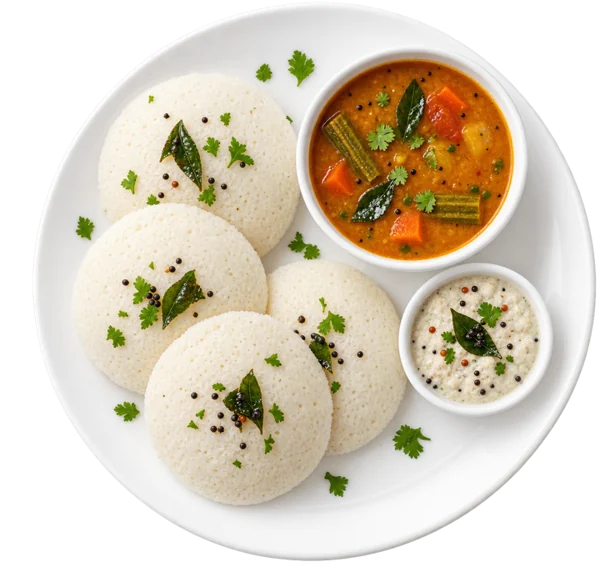
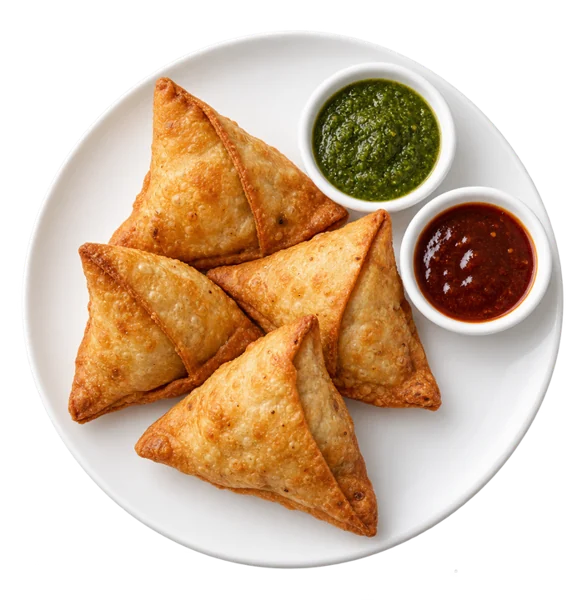
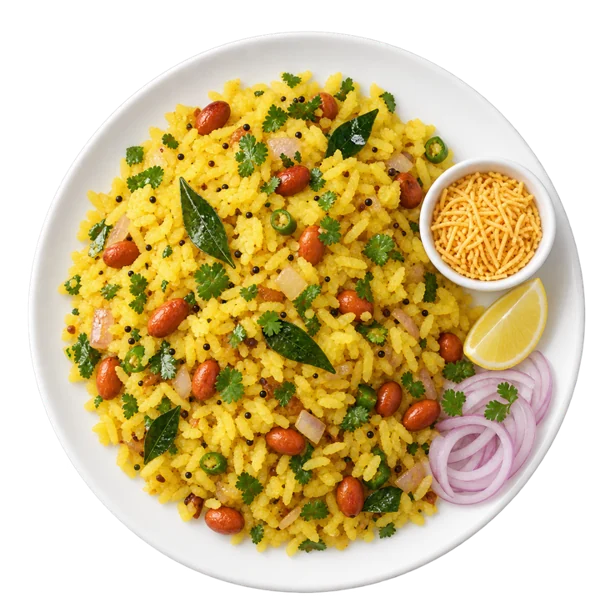
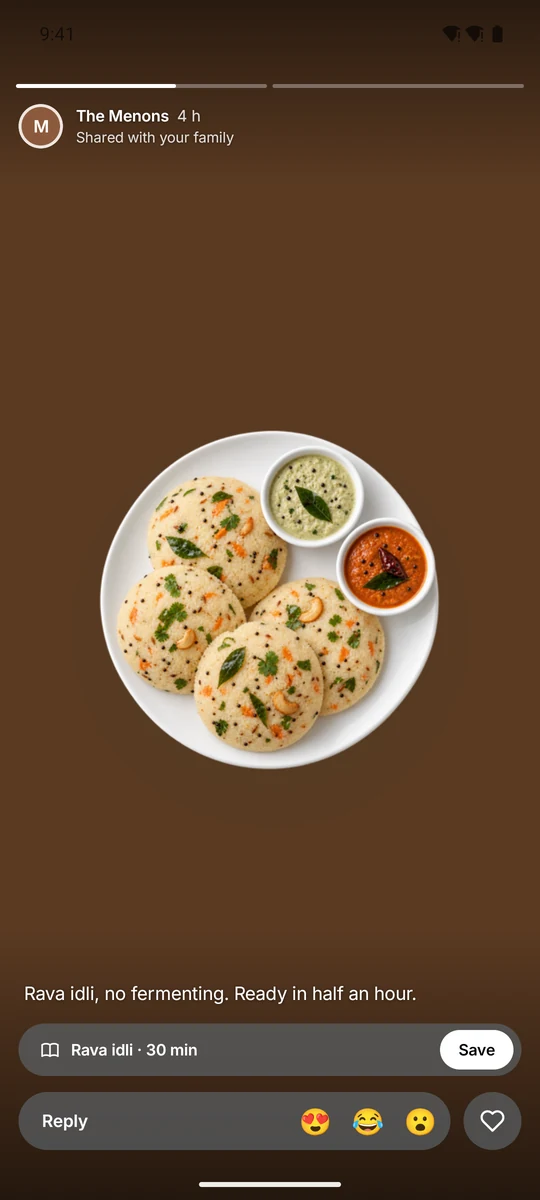
What families are cooking
Share what you cooked today.
Short photo stories of the family’s dinner, gone in 24 hours. Others can save the recipe in one tap, react, and reply.
Seen by your family, or also by the families you share with.
Made for the whole family
Everyone has a say. One person decides.
Family admins decide suggestions, invite people and post stories. Members plan, add recipes, suggest and react.
The design is made for every age: big type, one clear step at a time.
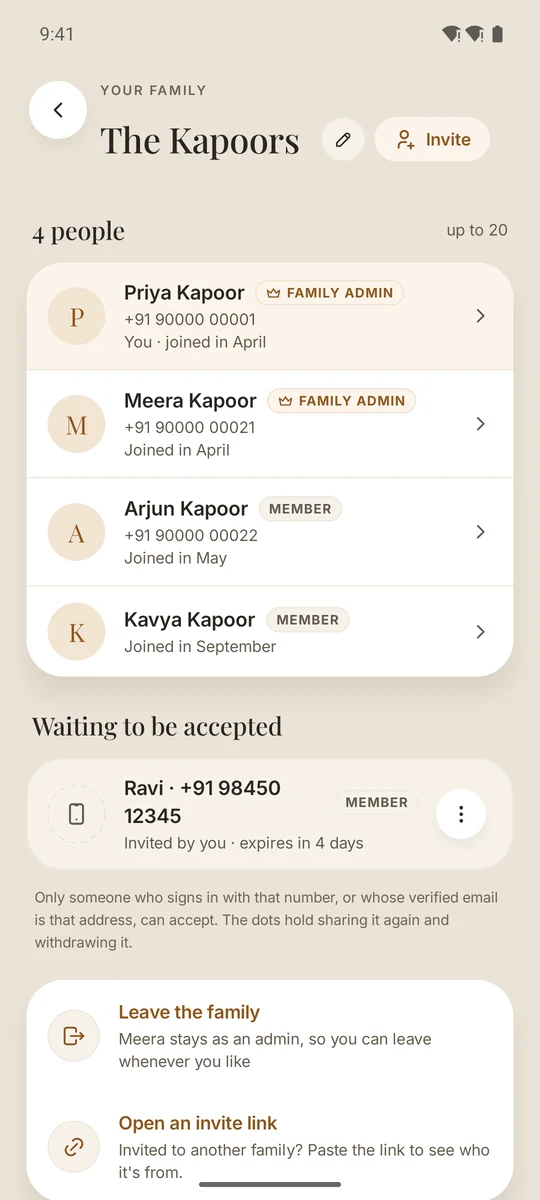
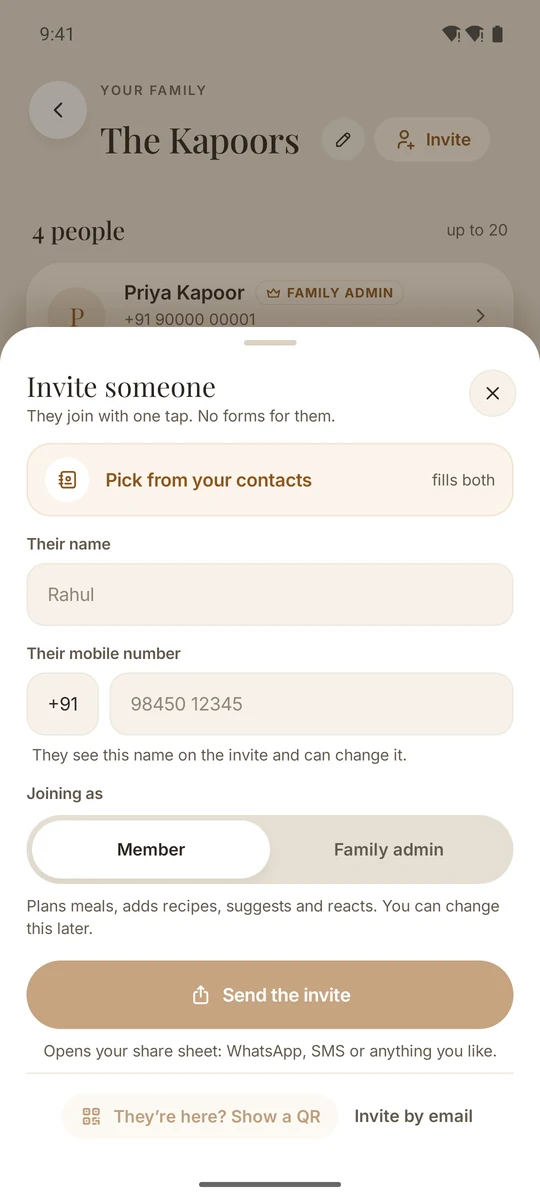
Invite by WhatsApp or QR
Invite by phone, email, or a QR code in person. The invite goes out by WhatsApp, SMS or any app.
Share with another home
Let relatives in another home see your meal plan, and your recipes if you choose. Reactions, comments and suggestions never cross.
What your kitchen cooks
Vegetarian, eggetarian, non-vegetarian, Jain or vegan. North and South Indian, Bengali, Gujarati, Kerala and more.
Private by design
Your kitchen stays yours.
Private to your family
Everything is private to your family. Only family admins can invite.
Scans stay yours
A photo you scan is seen only by you. MealUp deletes its copy once the recipe is saved or discarded, or after a day.
Simple sign-in
Sign in with your phone number and a code, or with email.
Questions
Good to know.
Is it free?
MealUp is free to try while it is in testing.
Is there an iPhone app?
MealUp is on Android today, for Android 8.0 and newer.
Which languages?
MealUp is in English today.
Can my parents use it?
Yes. MealUp is made to be simple for every age, with big type, few words and one clear action on each screen.
Does it count calories?
No. MealUp is for planning, cooking and shopping. It is not a diet or calorie tracker.
Is my family’s data private?
Yes. Your plan, recipes and lists are private to your family. Only family admins can invite people.
Bring your family to one kitchen.
MealUp is being tested on Android. Join the waitlist and we will tell you the day it is ready.
Get MealUp for Android